Explainer · Articles
Running AI privately at home: what you give up and what you gain
Your prompts never leave the house. Here’s the honest trade: privacy and no subscriptions, in exchange for smaller models and a bigger upfront bill.
We earn from qualifying purchases via affiliate links. Disclosure.
- Ollama says it doesn’t see your prompts when you run models locally, and it has a local-only mode.
- By default it only listens on your own machine (127.0.0.1).
- You give up the biggest frontier models and pay for the hardware up front.
Every question you type into a cloud chatbot goes to someone else’s computer. Running a model at home flips that around. Here’s what that really buys you, and what it costs.
What you gain
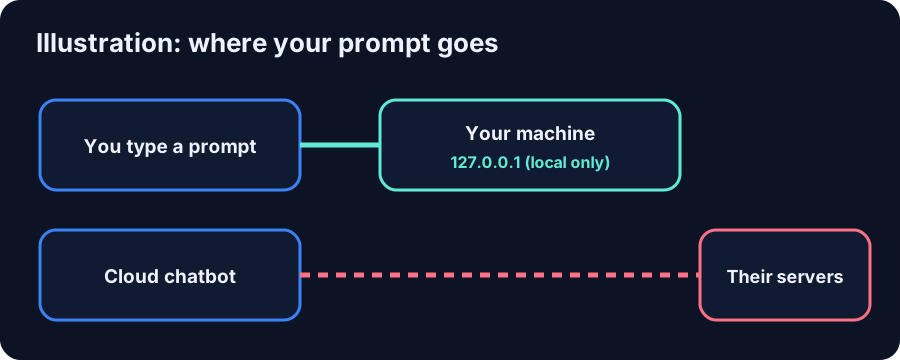
“Ollama runs locally. We don’t see your prompts or data when you run locally.”
Ollama’s FAQ also documents a switch to turn off its cloud features completely (OLLAMA_NO_CLOUD=1), and notes the server binds to 127.0.0.1 by default, so other devices can’t reach it unless you change that. Once a model is downloaded, it runs without an internet connection.
What you give up
- The very biggest models. October’s Muse Spark Open is 816B parameters. Meta says it runs on a desktop setup of two M5 Ultra Mac Studios. That’s far beyond one home PC.
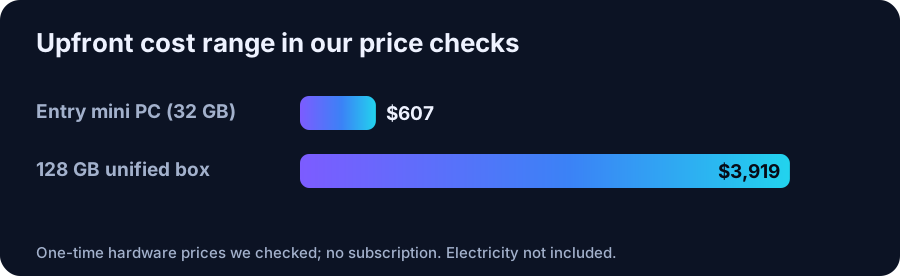
- Upfront cost. A capable box is a one-time purchase, from a $607 mini PC to a $3,919 128 GB machine in our price checks.
- Your time. You install, update and pick models yourself.
Keep it private: a short checklist
- Leave Ollama on its default
127.0.0.1binding unless you need network access. - If you expose it to your LAN, keep it off the open internet. The llama.cpp RPC docs warn their cluster server is “insecure”, too.
- Use local-only mode if you never want cloud models.
Who it’s for
Local AI fits people who handle private documents, want something always on with no per-message cost, or just like owning their tools. If you need the single most capable model for hard work, a cloud service still wins.
Hardware in this article
Minisforum NAB6 Lite, Core i5-12600H, 32GB RAM / 500GB SSD
$607 Minisforum · checked Oct 27, 2026, 1:06 PM CT
Listed as available in the store data. Integrated graphics only: models run from system RAM.
Check price at Minisforum (opens in a new tab)
Minisforum MS-S1 MAX 64GB / 2TB (Ryzen AI Max+ 395)
$2,599 Minisforum · checked Oct 27, 2026, 12:40 PM CT
Listed as available in the store data
Check price at Minisforum (opens in a new tab)More articles
Can a $600 mini PC really run local AI?
Yes, for small models, if you buy enough RAM. Here is what fits in a $607 Minisforum box, and what it can’t do.
Why VRAM matters more than GPU speed for LLMs
A faster GPU that can’t hold the model loses to a slower one that can. Here’s the one spec to read first.
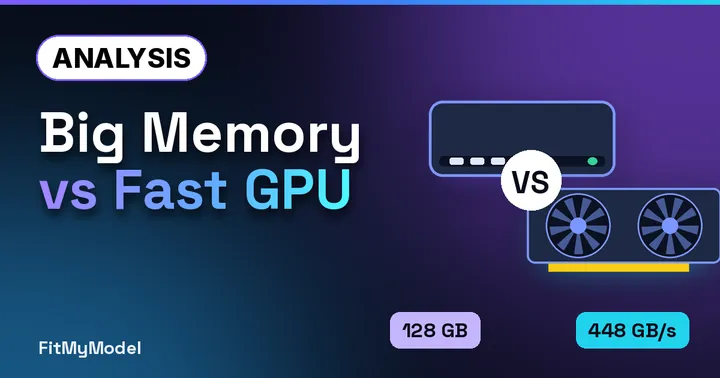
Unified memory vs a GPU: Strix Halo, Mac and RTX compared
Capacity or bandwidth? Three ways to hold a model, compared on the two numbers that matter, straight from the spec sheets.
FAQ
Does Ollama send my prompts to ollama.com?
Per Ollama’s FAQ, no, not when you run models locally. Cloud-hosted models are processed by Ollama, and those cloud features can be disabled.
Can a local AI model run without the internet?
Yes. Once the model files are downloaded, local runtimes run them on your own hardware.